Evereyn GPU / Latency
Set up your graphics card in one click. Open the app, pick NVIDIA, AMD or Intel, hit apply and it does everything for you, showing each step: less input lag, steadier frametimes and your GPU running at full power for the whole match.
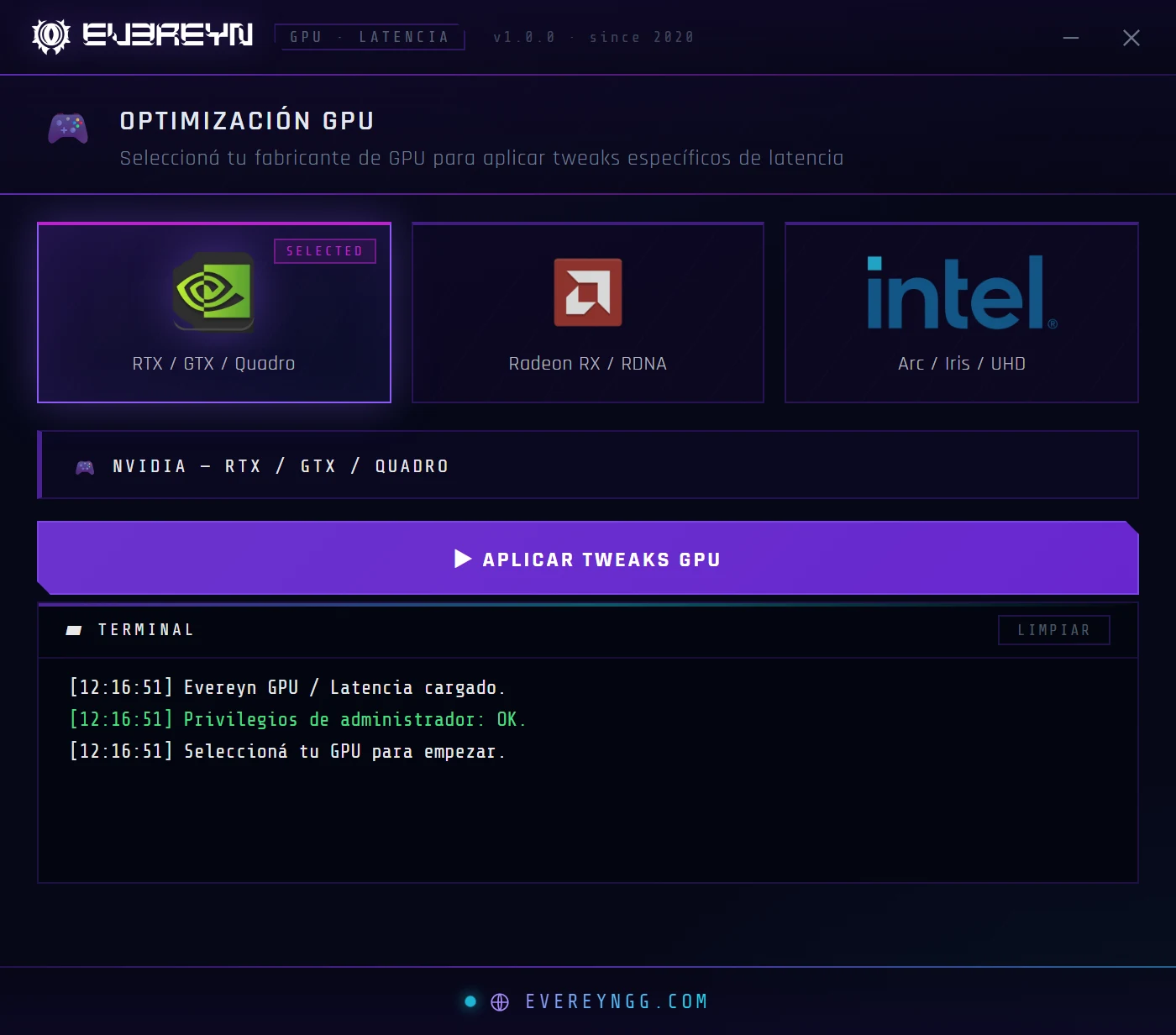
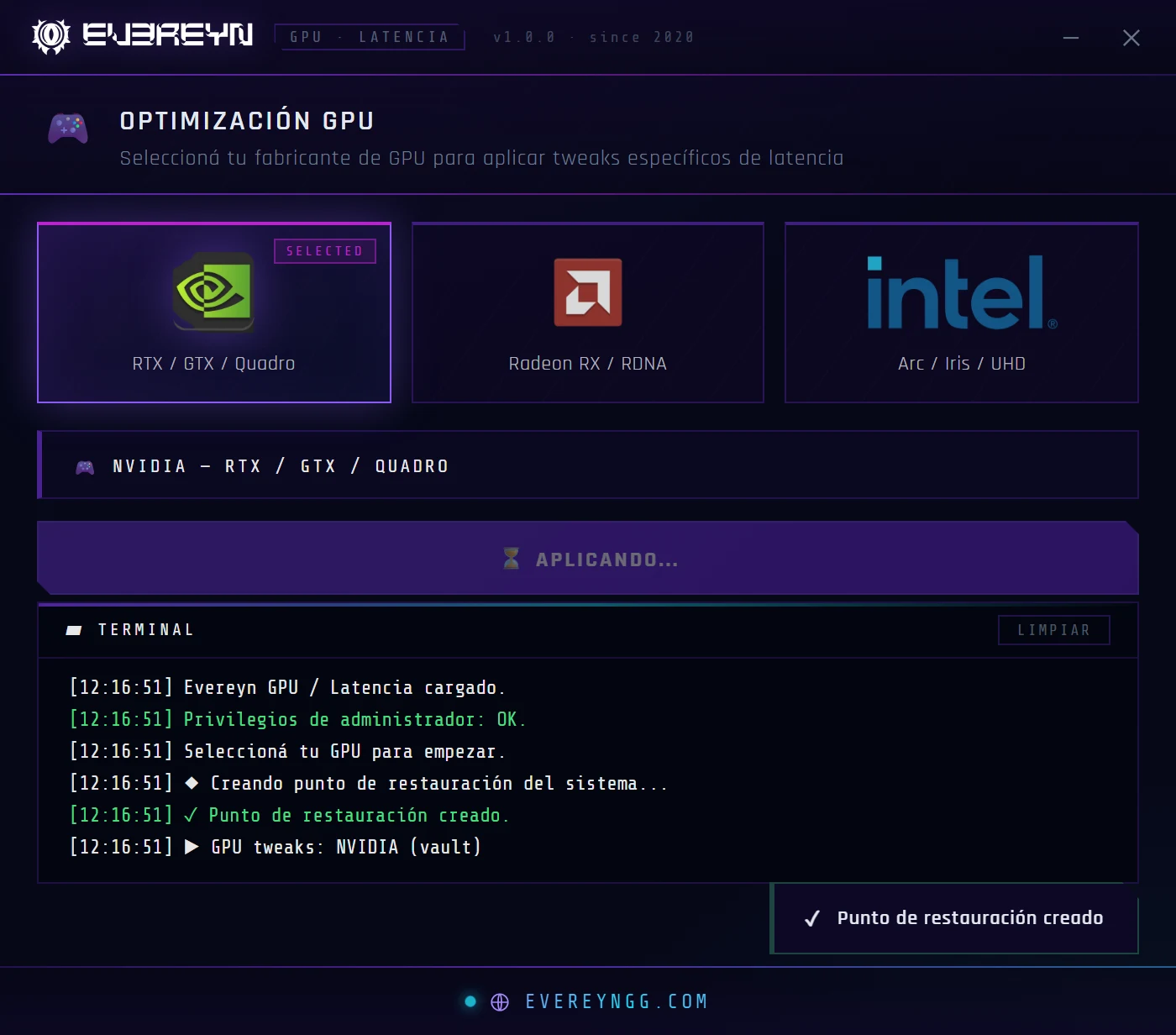
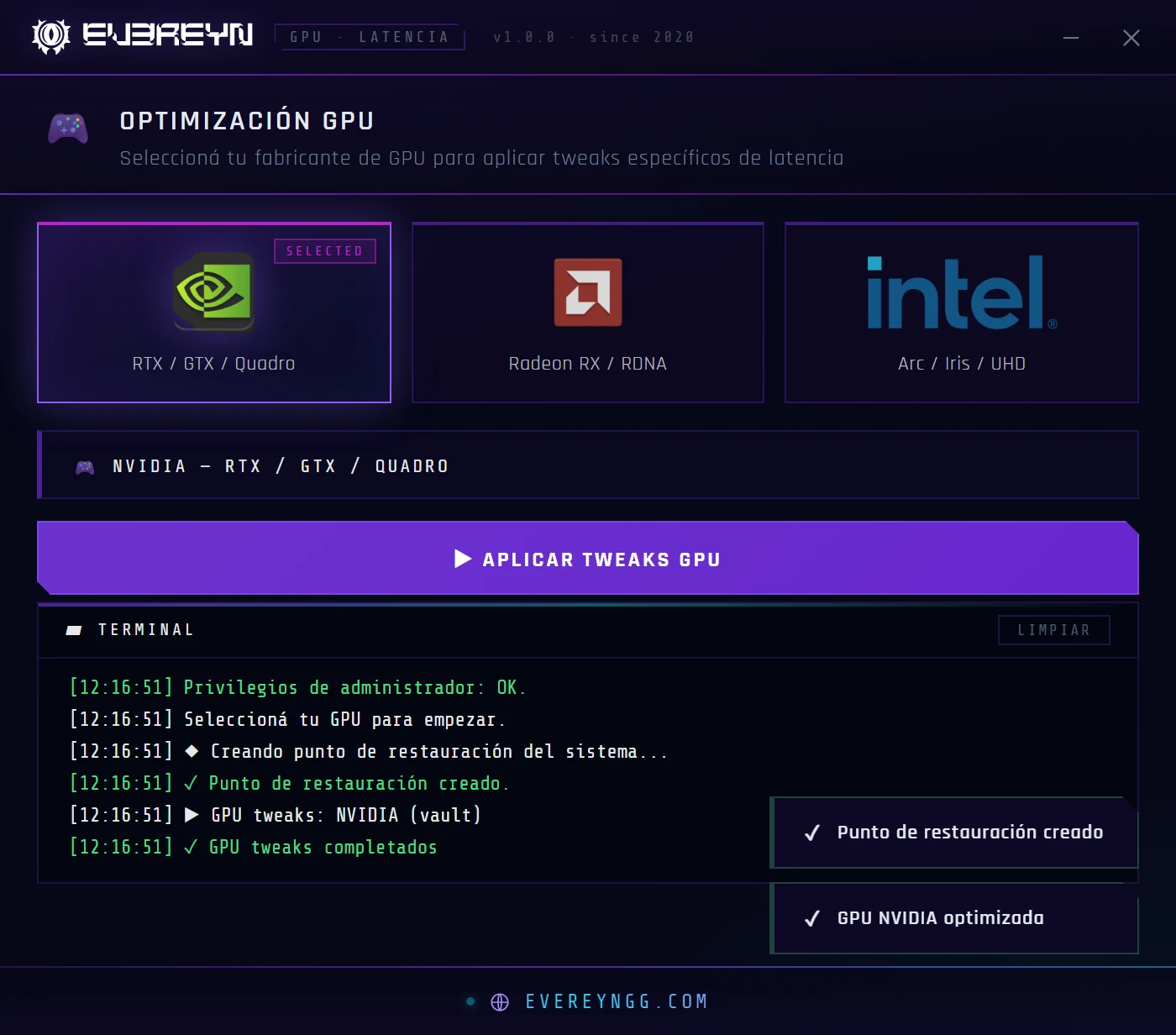
Sets up the whole NVIDIA control panel from the app, without opening it or going option by option.
- Less input lag: a more direct response between your mouse and the screen.
- Stable frametimes: fewer hitches and micro-stutters when it matters.
- Maximum performance: the GPU runs at full power the whole match.
- Fewer background tasks: more free resources for your game.
Detects your Radeon automatically and gets it ready to compete.
- Less input lag: every click reaches the screen sooner.
- Stable clocks: no frequency drops mid-match.
- Less stutter: smoother matches, no jumps.
- Fewer background processes: out go the services and pop-ups you don't need.
Your integrated graphics, ready for more games.
- Better compatibility: games that ask for more video memory, ready to launch.
- One click: pick Intel, hit apply and you're set.
- Open the .exe. Nothing to install: double-click and it starts. It asks for administrator rights on its own.
- Pick your GPU: NVIDIA, AMD or Intel.
- Hit apply. The app does everything and shows you each step until your GPU is optimized.
Before changing anything, the app creates a Windows restore point automatically. If you want, you can roll back from Windows.
- Automatic
- No leftover files
- Portable version
If Windows shows a SmartScreen warning when you open it, click “More info” and then “Run anyway”. The app interface is in Spanish.
This tool optimizes your graphics card. To push the whole PC —Windows, BIOS and RAM—, that's what the packs are for: see optimization packs.